
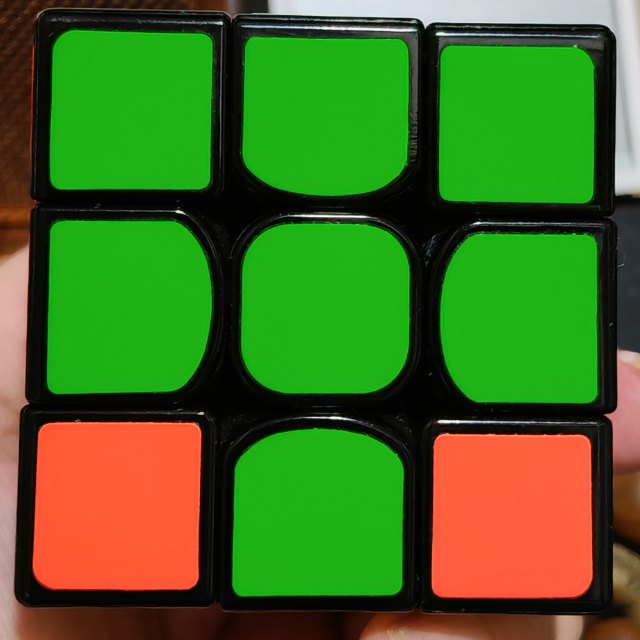
1Take one clear photo
Start with any face. Show all its squares, keep your hand out of the way and avoid reflections. Keep the cube still while you check the photo.
FREE TO USE · NO SIGN-UP
Photograph six faces. Check your cube. Follow the moves in 3D.
One face at a time. Here is what to look for.
Start with any face. Show all its squares, keep your hand out of the way and avoid reflections. Keep the cube still while you check the photo.
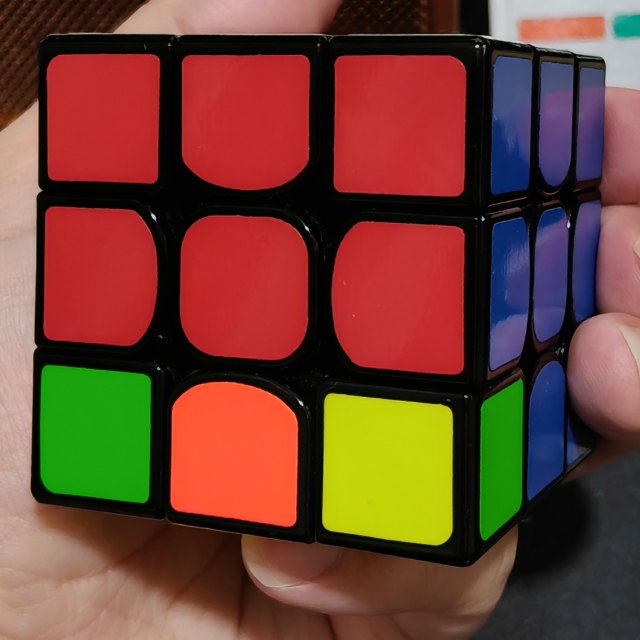
Fit the four dots around one face. Compare its colors with the live 3D cube and tap any wrong square to fix it.
Choose Next when the photo looks right. The animation shows how to turn the whole cube for the next shot. Keep its layers still and follow the same steps for all six photos.
Start with any face. After each photo, check the outline and colors, then choose Next. The animation shows how to turn the whole cube for the next photo. Keep the layers still until all six faces are recorded.
Compare each photo with the 3D preview before continuing. Drag the four corners if the outline is off, then tap incorrect colors to fix them. Check white, red and orange carefully under glare or warm lighting. You can revisit any photographed face.
Yes. Choose Enter colors to fill or correct any square. Photos and manual input edit the same cube, so you can photograph some faces and fill the rest by hand. Your colors and photo adjustments stay together when you switch.
The solver is free, with no sign-up. Photos and colors are processed in your browser. Small photo previews are saved on your device while you work. Your photos, corrections and solution progress stay together until you choose Clear all or Start over.